| Mavica.net Sign in | Join | ||||||
| ||||||
| UPLOAD Find a camera | Manuals | Service Desk | Wiki | ||||||
| ||||||
Know your Mavica > Mavica Service Desk
| Help by model | Find a problem |
| Repair videos | Software |
| Document records | Sources & safety |
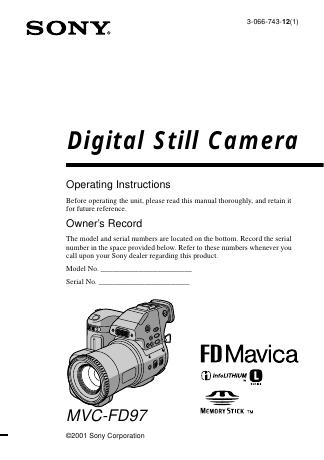
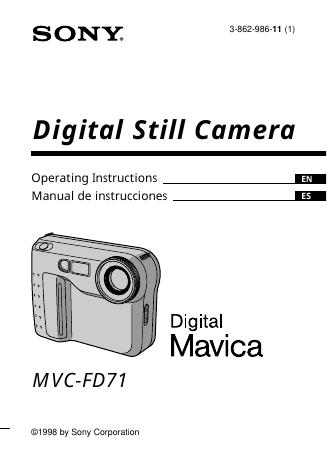
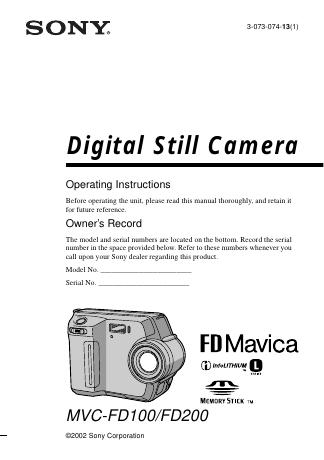
Troubleshooting & repairChoose the model on your camera. Start with the checks that do not require taking it apart. Model guides
Before you try a repair The flash capacitor can retain a dangerous charge after switch-off, even with the main battery removed. Read the model-specific service safety notes before opening the camera. Internal electrical work requires suitable training and equipment. Read the safety and source notes | |||||
Help topicsManual libraryService softwareArchived programs, model data and documentation. Read the service-use warning before downloading. About the archive12 repair notes and 37 document records. Some models and manual editions are still missing. Service PDFs are held privately. Records link to the original sources. |